
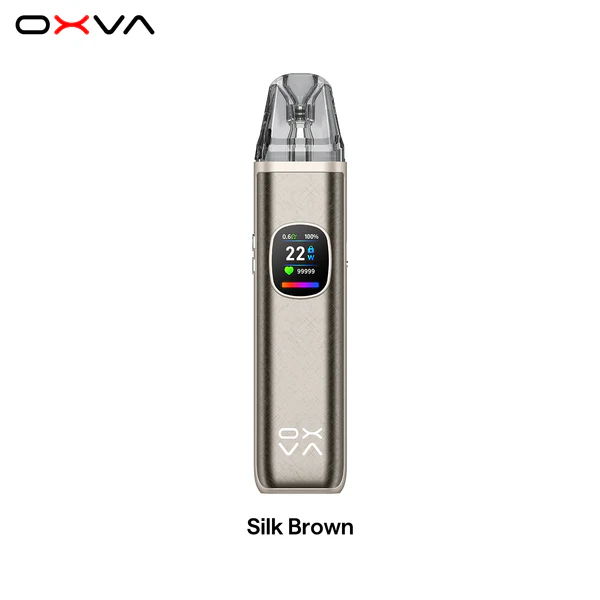
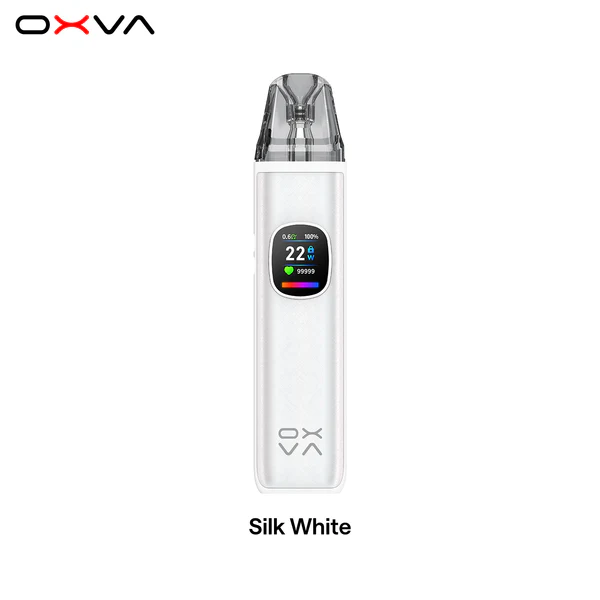
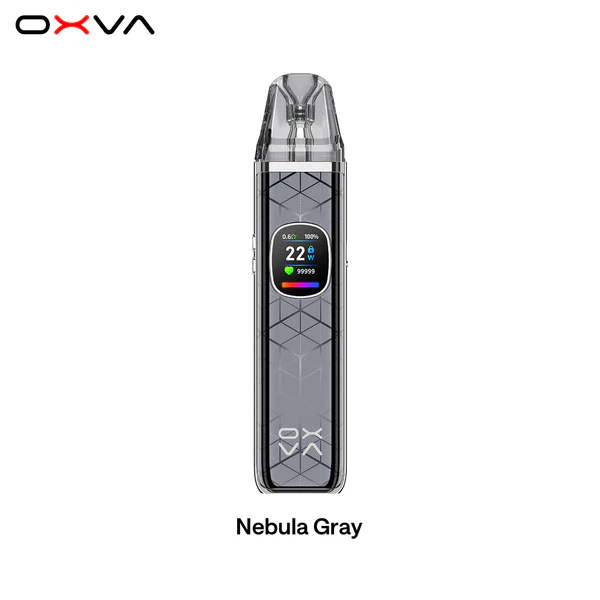
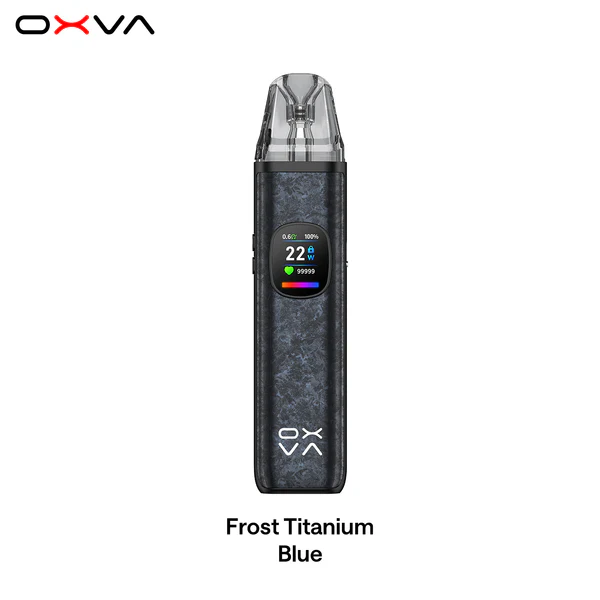
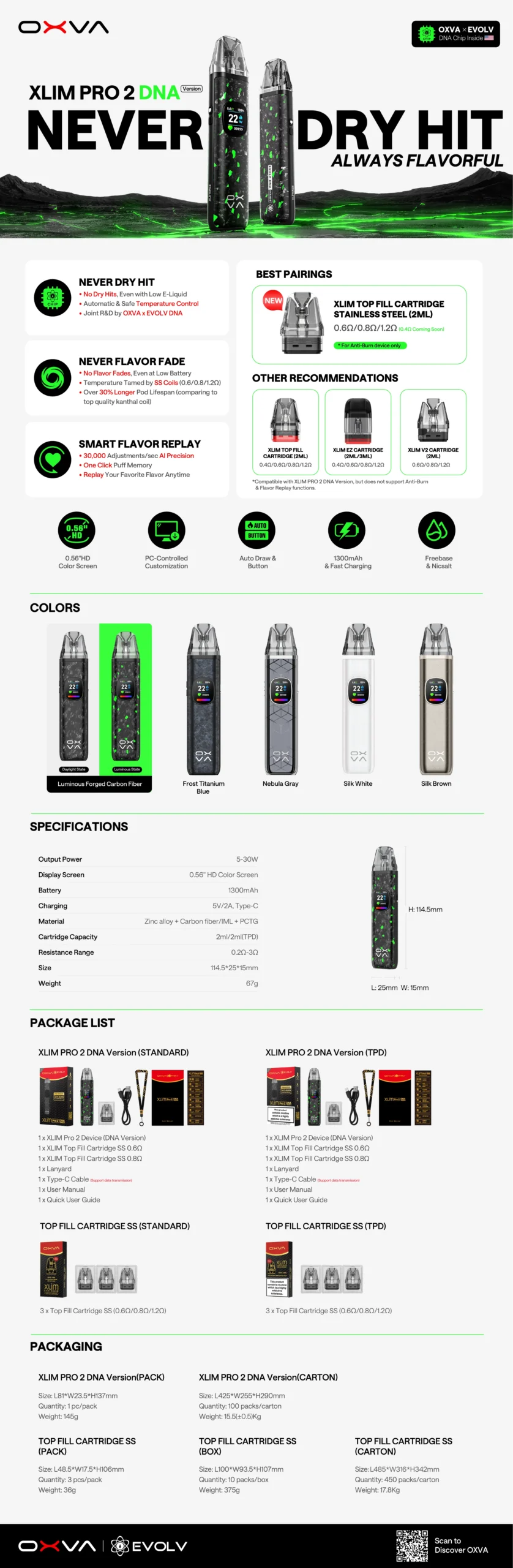
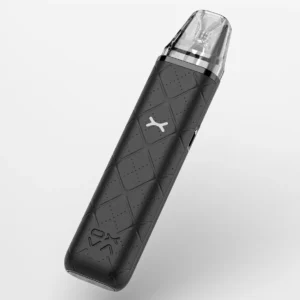
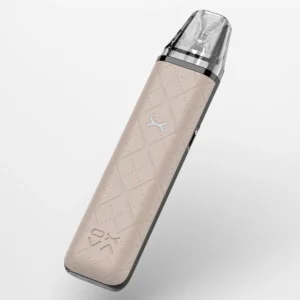
| Material | Zinc Alloy+Carbon fiber/IML+PCTG |
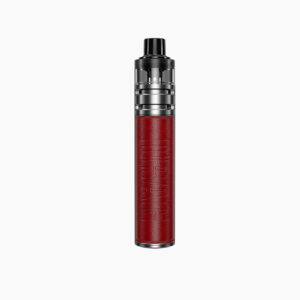
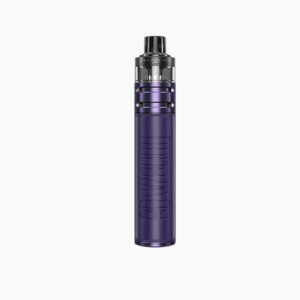
| Dimension | 114.5*25*15mm |
| Refill | Top Refill |
| Cartridge Capacity | 2ml |
| OXVA XLIM Pro 2 DNA Cartridge | 0.6Ω /0.8Ω /1.2Ω |
| Resistance Range | 0.2-3.0Ω |
| Battery | 1300mAh, Type-C, 5V/2A |
| Output Power | 5-30W |
| Display Screen | 0.56” HD Color Screen |
| Package includes | · 1 × OXVA XLIM Pro 2 Device (DNA Version) · 1 × 0.6 Ω Top Fill Cartridge SS · 1 × 0.8 Ω Top Fill Cartridge SS · 1 × Type-C Cable · 1 × User Manual · 1 × Lanyard · 1x User Manual · 1x Quick User Guide |
Features:
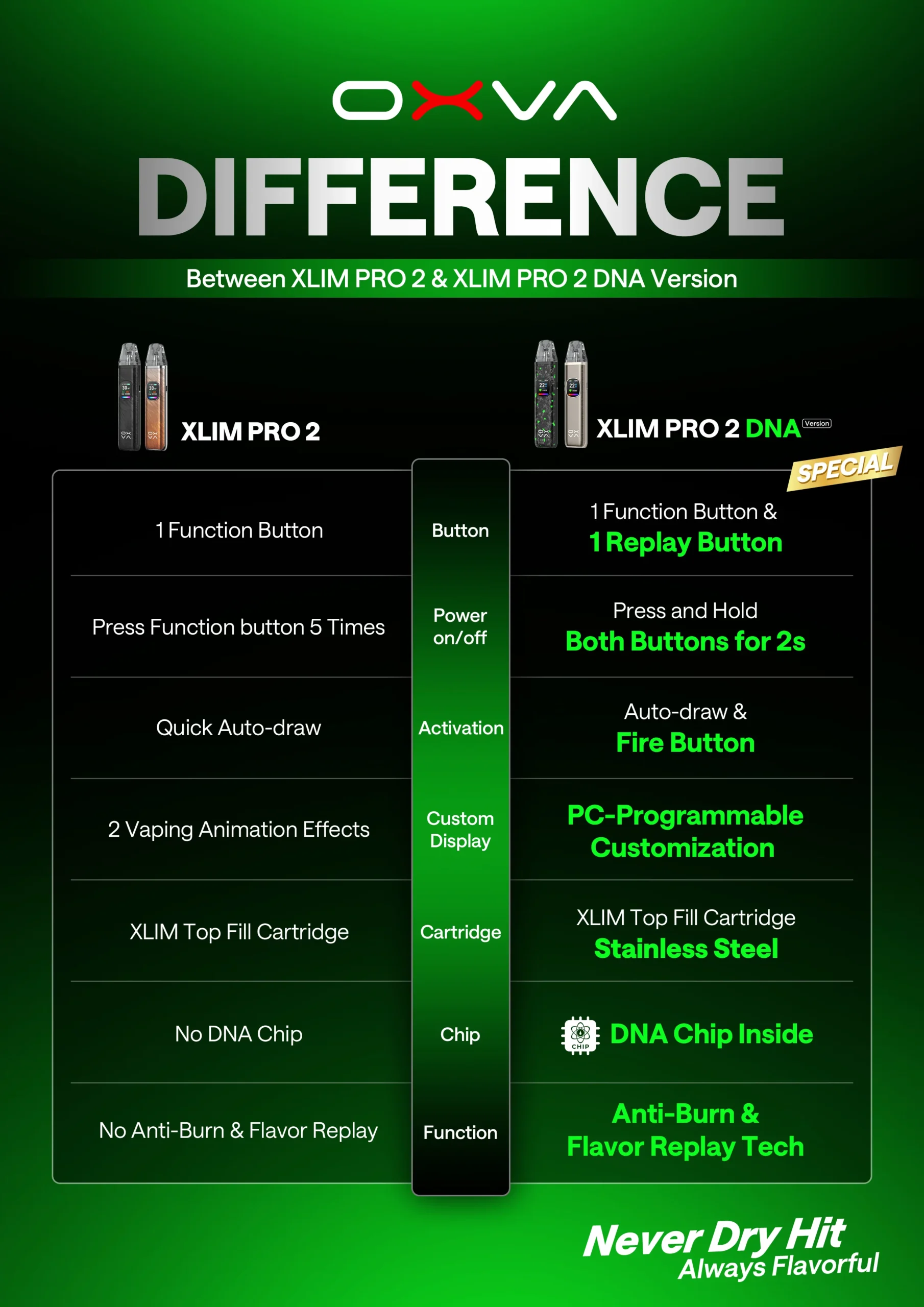
1. Never Dry Hit – No More Burnt Hits!
Smart temperature control prevents dry hits, even when e-liquid is low or without e-liquid.EVOLV DNA Chip inside for next-level safety and performance.
2.Never Flavor Fade – Consistent Taste, Even at Low Battery!
Stainless Steel coils maintain perfect temperature, ensuring a pure and never-fading flavor.30% longer-lasting pods. More time to enjoy. More satisfaction in every draw.Smart output, stable flavor — even when the battery runs low.
3.Smart Flavor Replay – Your Flavor, On Demand!
AI adjusts 30,000 times per second for precision flavor tuning.One-click memory lets you replay your favorite puff anytime—hit it just the way you like it!
✅FAQ – XLIM Pro 2 DNA
✅1. How do I operate the buttons
- Press the replay button and function button at the same time ffor 2s
- Long press the replay button for 2s
- Press the function button 2 times in 1.5s to switch light effects
- Press the function button 3 times in 2s to adjust the wattagee e
- Press the function button 4 times in 2s to lock/unlock the buutton fire
- Press the function button 6 times in 2.5s to swith the language
- Press the function button 7 times in 2.5s to reset puffs
✅2. How to set the flavor replay
- During the vaping process with the XLIM stainless steel coil cartridIges, if you find the taste of the last puff
satisfying, you can click the REPLAY button 1 time. The device will automatically follow the output curve of the last puff to ensure a consistent flavor experience. - Click the REPLAY button 2 times to cancel flavor replay.
- If you remove the cartridge and insert it again 0.8 seconds later, it wdetected as a new cartridge, and you
need to reset it.
✅3. How to get Anti-Burn
- When paired with XLIM stainless steel coil cartridges, the XLIM P!RO 2 DNA version is equipped with a function to prevent the cartridge from dry burning when there is no e-liquid or insufficient e-liquid.
✅4. The device won’t turn on or off
- Please press the replay button and function button at the saame time for 2s to turn on/turn off the device.
- The device will automatically power off after 36 hours of non-use toconserve battery life. Please turn it on for
further use. - If the device shows fully charged when plugged in but still cannot be turned on afterward, there may be a
problem with the device. - Please contact the OXVA support team for assistance.
✅5. How to switch the language?
- Press the function button 6 times for 2.5 seconds to enter the switching mode
- Press the function button 1 time to select the language.
- After selecting the needed language, wait for the text tostop flashing, and the switch will be successful.
✅6.The LED light does not light up
- Press the function button 2 times for 1.5 seconds to switchthe light effect.
- If there is still no display after pressing the button twice, itis considered a malfunction.
- Please contact the OXVA support team for assistance.
✅7. Does the SS and top-fill cartridges compatible with Pro 2 DNA
- The XLIM TOP FILL cartridge can be used on the XLIM PRO2 DNA, but it does not support the anti-burn function.
- The SS cartridge is not recommended for use on non-DNA devicesas it may cause resistance jumping and power
mismatch issues. - The SS cartridge is only compatible with DNA devices.
72 reviews for XLIM PRO 2 (DNA Version)
There are no reviews yet.